Why Your First Pipeline Should Bore You to Tears
After watching dozens of teams stumble through their first continuous integration attempts, I’ve learned that the most successful pipelines start embarrassingly simple. The urge to build something impressive right out of the gate is natural, but it’s also the fastest way to create a system nobody understands or trusts. Your first pipeline should do exactly three things: run your tests, build your artifacts, and deploy to a single environment. That’s it.
The beauty of this approach isn’t just simplicity. When you strip away the complexity, you can focus on getting the fundamental mechanics right. You’ll learn how your build system behaves under different conditions. You’ll understand the actual deployment dependencies. Most importantly, you’ll develop confidence in the process. I’ve seen teams spend months debugging elaborate multi-stage pipelines when their real problem was a basic configuration issue that would have been obvious in a simpler setup.
Think of your first pipeline as scaffolding, not architecture. It exists to support you while you build something more substantial. The goal is establishing a reliable foundation that your team can understand completely. Every feature you add later builds on this foundation, so make it solid and predictable. When something breaks (and it will), you want to know exactly where to look.

The Three-Stage Foundation That Actually Works
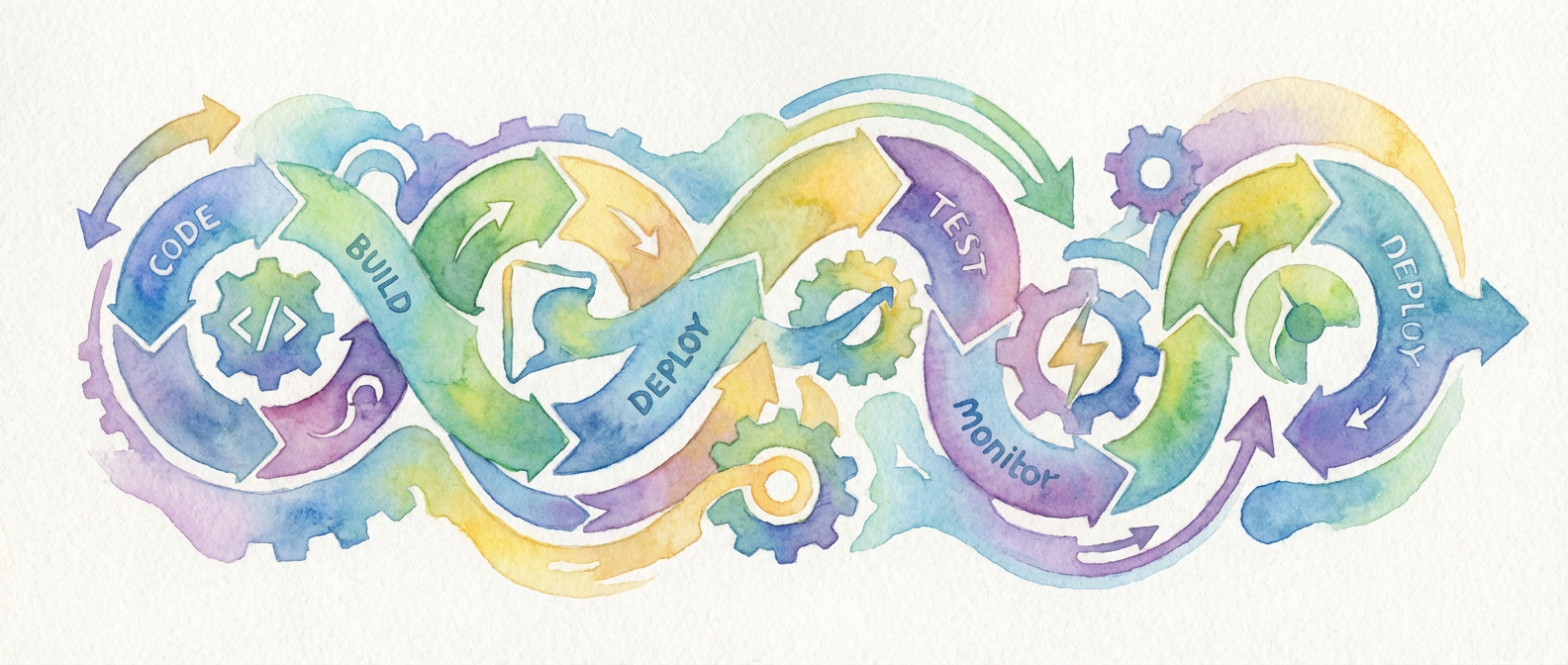
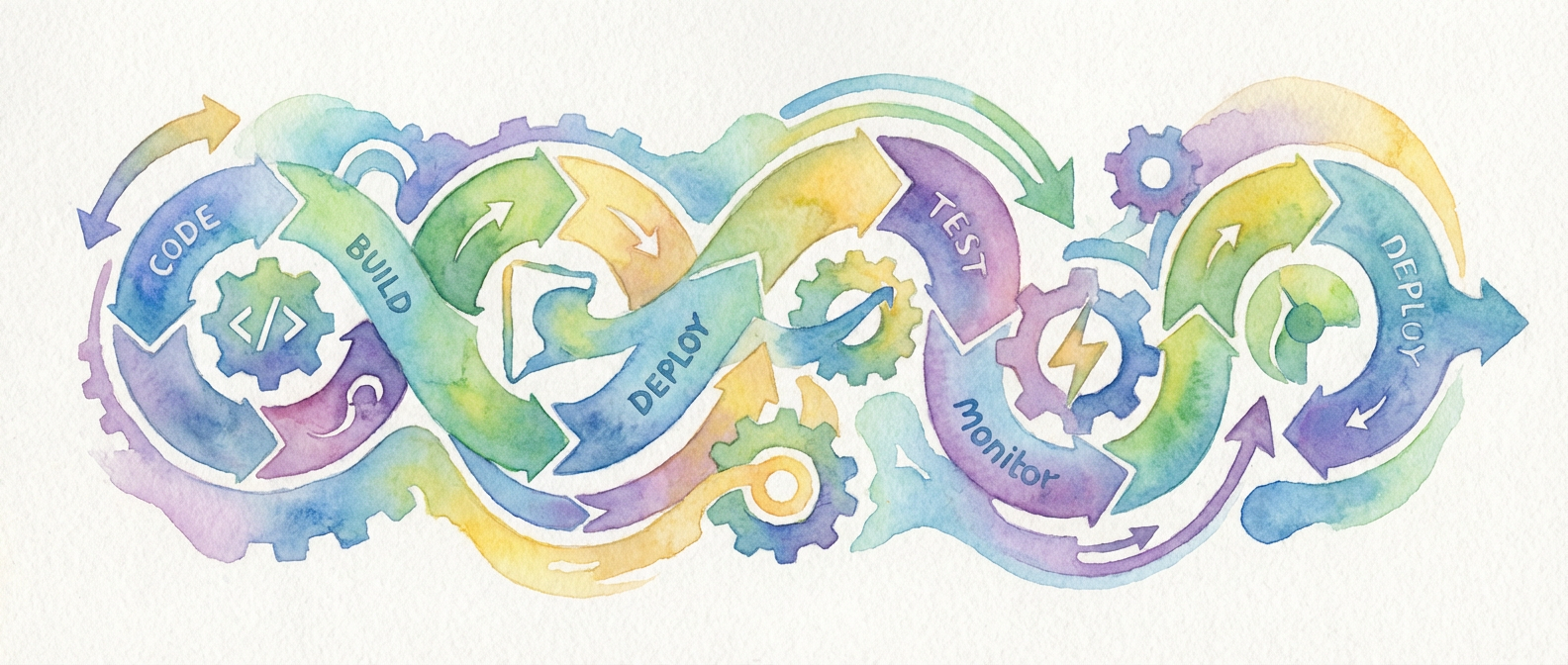
Every reliable pipeline I’ve built or inherited follows the same basic pattern: test, build, deploy. This isn’t revolutionary thinking, but the implementation details matter enormously. Your test stage should run fast and fail early. Keep your unit tests here, along with any linting or static analysis that can catch obvious problems. Save the integration tests for later stages or separate pipelines entirely. Speed matters more than completeness in this first gate.
The build stage creates deployable artifacts. Whether that’s Docker images, compiled binaries, or packaged applications depends on your stack, but the principle remains the same. Build once, deploy many times. Tag your artifacts with both the commit hash and a human-readable version number. You’ll thank yourself for this when you’re troubleshooting a deployment three months from now, trying to figure out exactly what code is running where.
Deployment should be the most boring part of your entire pipeline. By the time you reach this stage, you should have high confidence that your artifact works. Keep your deployment scripts simple and idempotent. If something fails, you should be able to run the deployment again without causing problems. This means checking if resources already exist before creating them, and handling partial deployments gracefully.
The secret sauce in this three-stage approach is what happens between stages. Each stage should produce clear, actionable feedback. Failed tests tell you exactly which test broke and why. Failed builds point to specific compilation errors or missing dependencies. Failed deployments indicate whether the problem is infrastructure, configuration, or the application itself. No guesswork required.
Configuration That Won’t Bite You Later
The biggest trap in pipeline configuration is treating it like application code. It’s not. Pipeline configuration needs to be more conservative, more explicit, and more predictable than your application. Avoid clever abstractions and dynamic behavior that seemed like good ideas at the time. Your future self, debugging a failed deployment at 2 AM, will appreciate straightforward configuration over elegant brevity.
Environment variables are your friend, but organize them thoughtfully. Create clear naming conventions that indicate scope and purpose. Database connection strings should obviously be different from API keys, and your naming should reflect that. Use a secrets management system from day one, even if it feels like overkill. Moving secrets from environment variables to proper secret management later is painful and error-prone. Trust me on this one.
Version control everything, including your pipeline configuration itself. This seems obvious until you realize how many teams keep their CI/CD scripts in a separate repository. Or worse, they edit them directly in their CI system’s web interface. Your pipeline configuration should live alongside your application code, versioned and reviewed like any other system component.
Document your configuration choices, especially the non-obvious ones. Why did you choose that particular base image? Why does the deployment script wait thirty seconds between steps? These decisions make sense when you make them. Six months later, they look arbitrary and potentially wrong. Save your future teammates the archaeology expedition. They’ll have enough real problems to solve.
Monitoring and Feedback Loops You’ll Actually Use
Building a pipeline is easy. Building a pipeline that people trust and use effectively requires thoughtful monitoring and feedback mechanisms. Start with the basics: track build success rates, deployment frequency, and time to deploy. These metrics tell you whether your pipeline helps or hinders your team’s productivity. If deployments take longer or happen less frequently after implementing CI/CD, something is wrong.
Notification fatigue kills CI/CD adoption faster than any technical problem. Be selective about what generates alerts and who receives them. Failed tests on feature branches probably don’t need to notify the entire team. Failed deployments to production definitely do. Create different notification channels for different types of events. Give people control over what they subscribe to.
The most valuable feedback comes from making pipeline status visible and accessible. Dashboard screens showing current build status, recent deployment history, and system health give teams situational awareness without requiring active monitoring. When something goes wrong, people should be able to see what happened and when, without diving into log files or CI system interfaces.
Build in mechanisms for gradual improvement. Add simple metrics collection that can help you identify bottlenecks and pain points. Track which tests fail most frequently, which stages take the longest, and where manual intervention is still required. This data becomes invaluable when you’re ready to optimize and expand your pipeline capabilities. But don’t optimize prematurely. Let real usage patterns guide your improvements.
Growing Beyond Your First Pipeline
The transition from a working pipeline to a sophisticated deployment system happens gradually. That’s exactly how it should be. Each addition should solve a specific problem your team is actually experiencing, not a problem you think you might have someday. Add staging environments when manual testing becomes a bottleneck. Implement parallel testing when your test suite grows too slow. Introduce deployment strategies like blue-green or canary releases when zero-downtime deployments become necessary.
Pay attention to the human factors as your pipeline evolves. The most technically impressive CI/CD system is worthless if your team doesn’t understand how to use it or trust it to work correctly. Changes should improve the developer experience, not complicate it. If people start avoiding the pipeline or working around it, you’ve optimized for the wrong things. I’ve made this mistake more times than I’d like to admit.
Remember that pipeline design is ultimately about reducing cognitive load and increasing confidence. Every feature should make it easier for your team to ship reliable software, not harder. The best pipeline is one that disappears into the background, handling the mechanical aspects of software delivery so your team can focus on building great products. When your pipeline works so well that nobody thinks about it, you’ve succeeded.
If you’re just starting your CI/CD journey, I’d love to hear about the specific challenges you’re facing. The implementation details that seem obvious to someone who’s built dozens of pipelines can be genuinely puzzling when you’re encountering them for the first time. Feel free to reach out with questions about your particular setup or environment. Sometimes an outside perspective can spot the simple solution you’ve been missing.